Reply revival, step by step
Enrola connects to your inbox and CRM, watches for reply threads going cold, and runs a four-step process to turn them into booked meetings.
Step 1: Reply Detection
Enrola polls your connected inboxes every 15 minutes. It reads thread timestamps, checks CRM activity logs, and identifies any prospect reply that hasn't received a follow-up action within your configured threshold (default: 48 hours).
Detection is cross-channel — Gmail, Outlook, and Salesforce email activity all feed the same queue.
Step 2: ICP Scoring
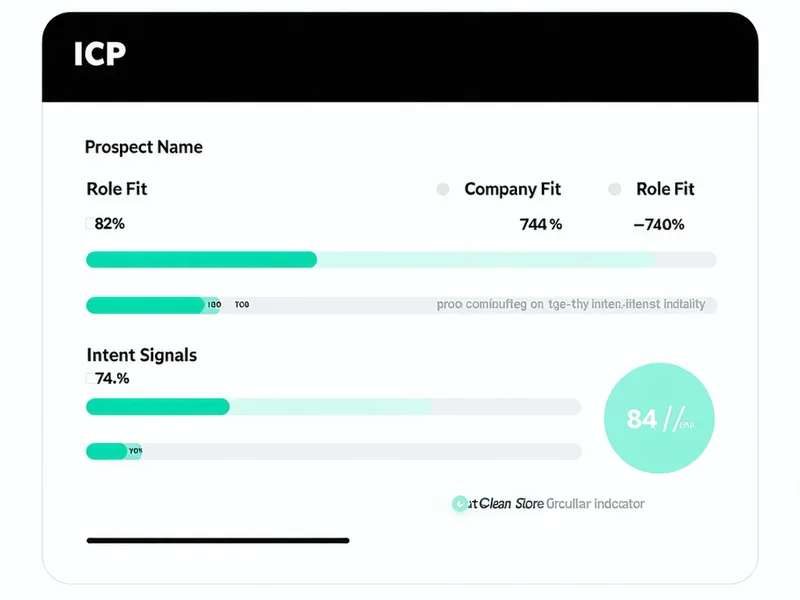
Each flagged thread is scored on three dimensions: (1) Company fit — matched against your ICP criteria in HubSpot/Salesforce (employees, revenue band, industry). (2) Role fit — prospect's job title matched against your target persona list. (3) Intent signals — natural-language analysis of the reply content (questions asked, sentiment, specificity).
Threads scoring below your threshold are logged and skipped. Above-threshold threads proceed to drafting.
Step 3: Draft Generation
Enrola reads the full thread context — original email, prospect reply, any prior follow-up history — and writes a follow-up that continues the conversation.
It doesn't write cold. It writes warm: referencing the specific question the prospect asked, their company context from CRM, and the tone calibration of your previous messages.
We have 90+ threads in the same boat. When can we see a demo? Happy to jump on a call this week...
Hey Ryan — appreciate you reaching out. 90 stalled threads is exactly the problem we solve. I can show you how Enrola would have worked through that backlog in about 20 minutes. Are you free Thursday at 10am or 2pm AEST?
Step 4: Rep Handoff & Outcome Loop
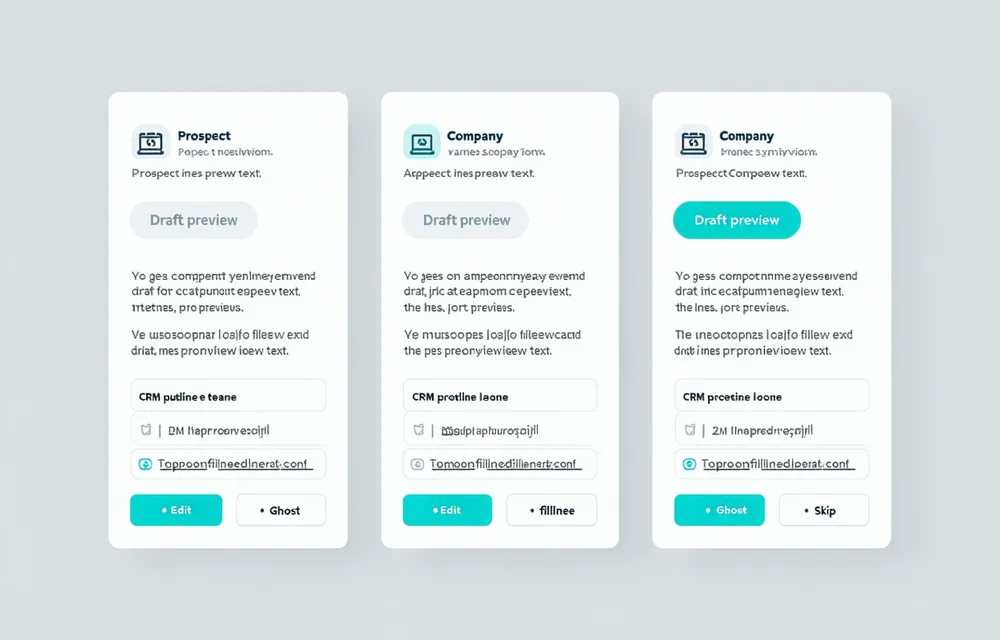
Approved drafts are sent through the rep's connected account — not a shared Enrola alias. Every approval, skip, and outcome (reply, meeting booked, no response) feeds back into Enrola's scoring model.
Over time, ICP thresholds self-calibrate to your deal patterns. Enrola gets better at your pipeline the more you use it.
Enrola is not a sending tool, a cold-email engine, or an outbound sequencer. It works the reply queue your existing stack creates and hands qualified drafts to your reps for human review. If that's the gap you need to close — see it on your own inbox.
Start Free Trial